Getting ready for a new school year comes with plenty of shopping lists, and a laptop is often the biggest decision on it. With so many models out there, it helps to know exactly what’s worth considering this year, especially if you want something that performs well without draining the family budget.
Here’s a closer look at three standout options for the year ahead.
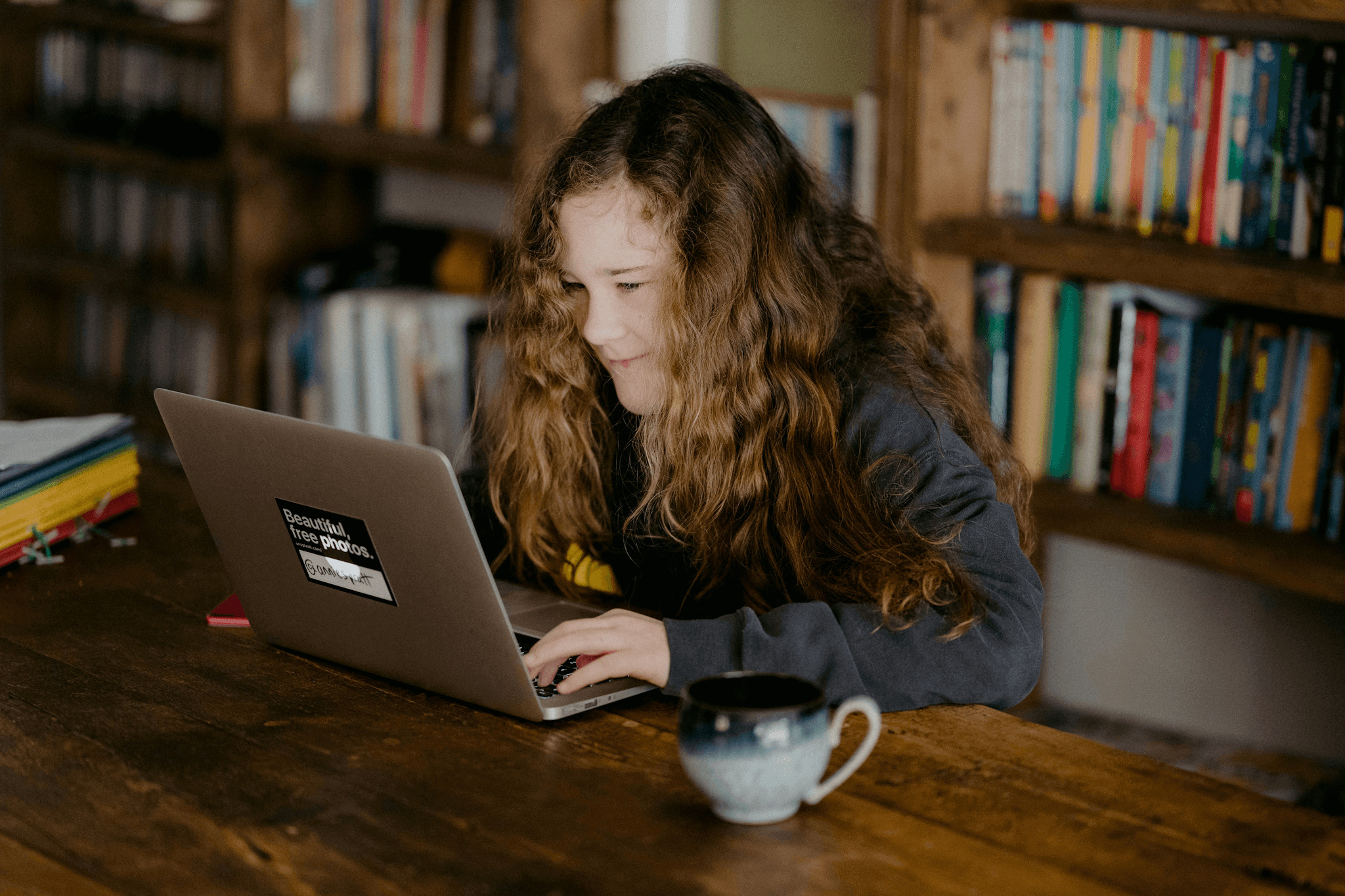
A versatile all-rounder for any grade level.
As a general rule, the best option for families wanting one device to cover both education and artistic pursuits is a 2-in-1. A refurbished iPad Pro M5 is a great fit for this function, since it effortlessly toggles between note-taking, reading assignments, and drawing out ideas, all while being light enough for a kid to tote comfortably between classes. When paired with a keyboard case, it becomes a true laptop substitute for younger pupils who don’t need anything more advanced.
What makes this option stand out is how much flexibility it offers without asking parents to buy two separate devices. A tablet that doubles as a laptop covers reading, writing, and the occasional creative assignment, which means fewer things to keep track of and fewer replacements down the line as your child’s needs shift from year to year.
A reliable workhorse for daily classroom use.
Not every student needs cutting-edge power, and for most day-to-day schoolwork, a dependable mid-range laptop does the job just fine. The HP Spectre x360 has built a solid reputation here, handling research papers, video calls, and everyday multitasking smoothly, all while folding into different modes for note-taking or presentations without missing a beat.
Battery life matters just as much as performance for a laptop heading back into a full school schedule. A machine that comfortably lasts through a full day of classes means one less thing to worry about each morning, no scrambling for a charger between periods, and no dead battery right when homework needs to get done that evening.
A budget-friendly option that still performs well.
Spending less doesn’t have to mean settling for less, and the Acer Swift Go proves that nicely. It handles typical schoolwork, browsing, writing, and video calls without slowing down or feeling cheap in hand, making it a solid pick for families who want quality without stretching their budget too thin this time of year.
Choosing reconditioned within this category stretches the value even further. These laptops go through proper testing before they’re resold, so parents aren’t gambling on reliability; they’re simply skipping the premium that comes with buying brand new. For a laptop that’s about to spend the school year getting tossed in and out of a backpack, that trade-off tends to make a lot of sense.
A premium choice for older students.
For sixth-form students or those heading to university, the MacBook Air M3 is well worth considering. It combines excellent performance with an impressive battery life, making it ideal for long days of lectures, coursework, and studying in libraries or cafés. Despite its powerful processor, it remains lightweight and easy to carry, which is a big advantage for students who are constantly on the move.
Although buying a brand-new MacBook can be a significant investment, choosing a refurbished model makes it much more affordable while still providing the same premium experience. It easily handles demanding tasks such as photo editing, video projects, and running multiple applications at once, meaning students are unlikely to outgrow it during their studies. For those looking for a laptop that will last for several years, it offers excellent long-term value.
Choosing the Right Laptop for Your Child’s Learning Journey
Before making a final decision, it’s worth thinking about how the laptop will actually be used throughout the school year. Younger students often need a device for web-based learning, homework, and video lessons, while older pupils may require more processing power for presentations, creative software, or coding projects.
It’s also worth considering practical features such as weight, storage space, screen size, and durability. A lightweight laptop is easier to carry between home and school, while a sturdy build can better handle everyday knocks and bumps. Looking ahead to the next few years can also help you choose a model that will continue to meet your child’s needs as their studies become more demanding.
The best back-to-school laptop is one that supports your child’s learning today while adapting to their educational needs in the years ahead. By focusing on how they’ll use the device rather than simply choosing the newest model, families can invest in technology that encourages productivity, creativity, and confidence in the classroom. With careful planning, it’s possible to find a laptop that delivers lasting value and helps students make the most of every school year.